Day 1, setting up this site!
Intro
First a little about me. Hi, I am Fan. I am a software engineer living in the Bay Area. I enjoy flying and currently hold PPL and IFR rating. I learned flying around 2010 and I have been buzzing around ever since.
After a long time of pondering, I recently made a deposit to a tail kit of Sling Tsi!
Since it will take a long time for the kit to arrive, I thought this is the time for me to get ready.
I’ve been stalking other people’s YouTube and blogs for a while to learn how they progress through the journey. IMO it comes down to at least a few big components: workshop preparation, sheet metal work, electronics, powerplants, painting. I’ve done some woodwork and built a few things in my garage in the past, but I don’t really have much experience working with any of these. So in the next few months I plan to learn as much as I can in these areas.
Setting up blog
I am sure things will get messy at some point, I am trying to stay organized while I still have the luxury of time :) So today I spent a few hours to set up this blog to track future work.
I chose GitHub Pages and Jekyll as the infrastructure to run my blog. This is because they are free, and I like the idea of checking in blog posts as code. Later if I need to revise anything, GitHub will maintain a nice check-in history that I can refer back to.
Jekyll is a popular static site generation engine, and many people use it for blogging. I’ve never used it before, so I spent some time going through a crash course.
Here are some notes for future me.
Installing Jekyll: official doc
Short YouTube video to get started: here
Rebuilding and serving locally:
bundle exec jekyll s
Adding time tracking
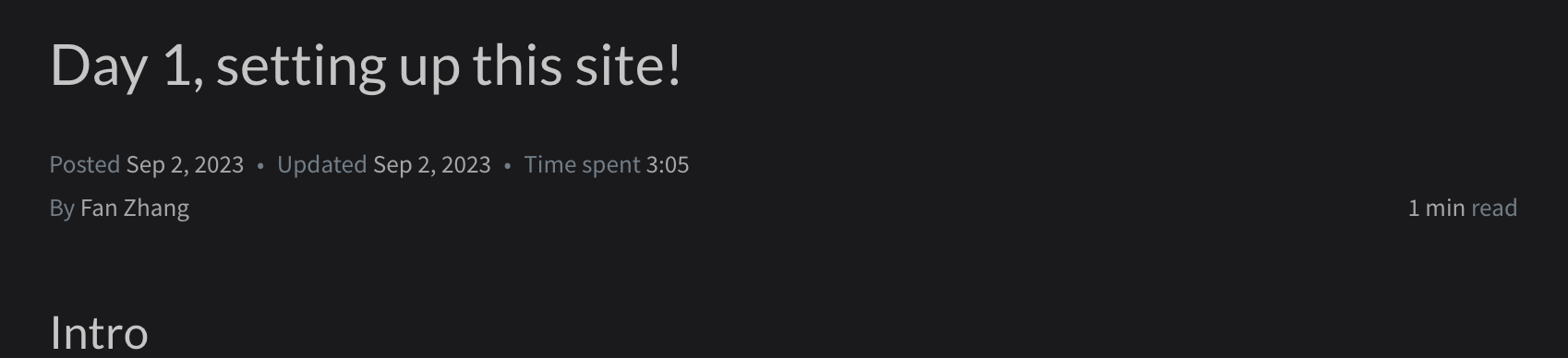
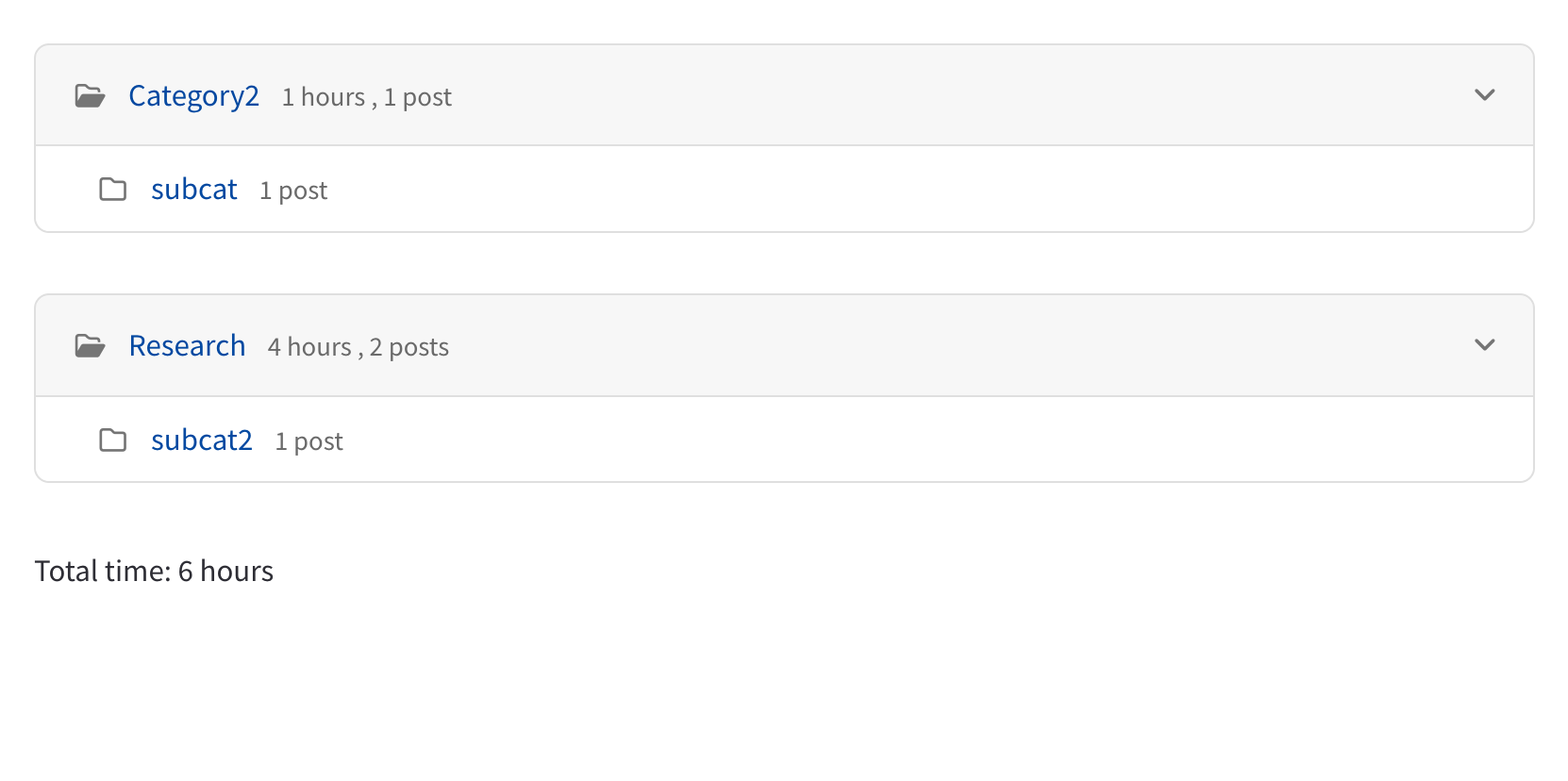
Tracking hours spent on tasks is important, so I poked around the theme I’m using and added support to track time spent on each task.
It displays below the blog title like so.